 Shinechip
What Is a Hand-Wave Sensor Switch?
Published 2026-10-09 · Shinechip engineering team
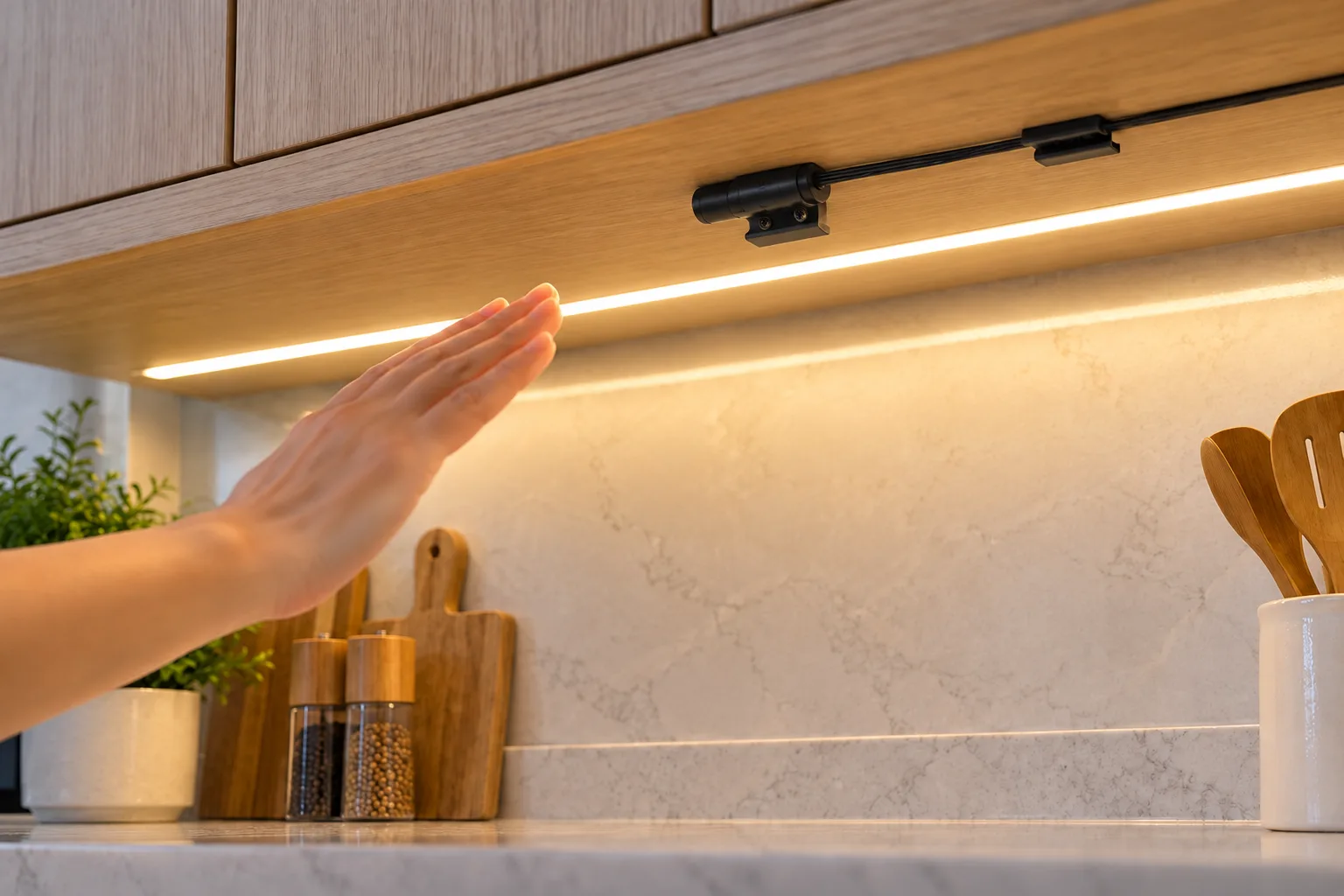
A hand-wave sensor switch is a low-voltage switch that turns LED lighting on or off when a hand passes close to it, without any contact. It sits between the LED driver and the strip, and is used in kitchens, wardrobes and furniture where people may have wet or full hands.
- What is a hand-wave sensor switch?
- How does an IR hand-wave sensor work?
- Should I choose a hand-wave, touch or door sensor switch?
- Where should a hand-wave sensor be mounted?
- How do I wire a hand-wave sensor switch?
- What should I confirm before choosing a hand-wave sensor switch?
- Can a hand-wave sensor switch dim the light?
- Why does my hand-wave switch not respond or trigger by itself?
What is a hand-wave sensor switch?
It is a sensor switch that detects a hand moving within a short distance and toggles the light, so nobody needs to press a button. Most are IR sensor switches mounted under a cabinet or shelf edge; others are hidden proximity sensors fixed behind a panel.
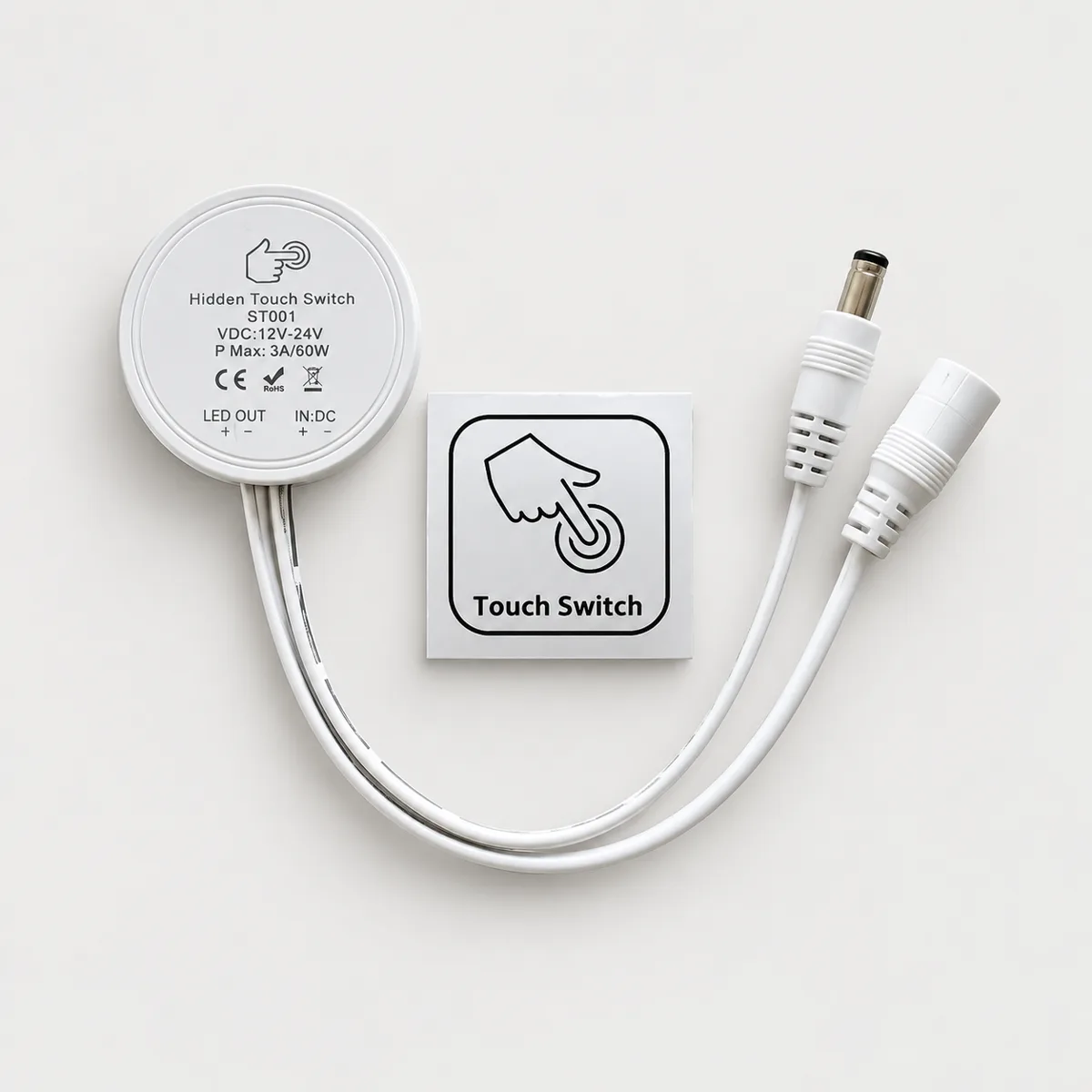
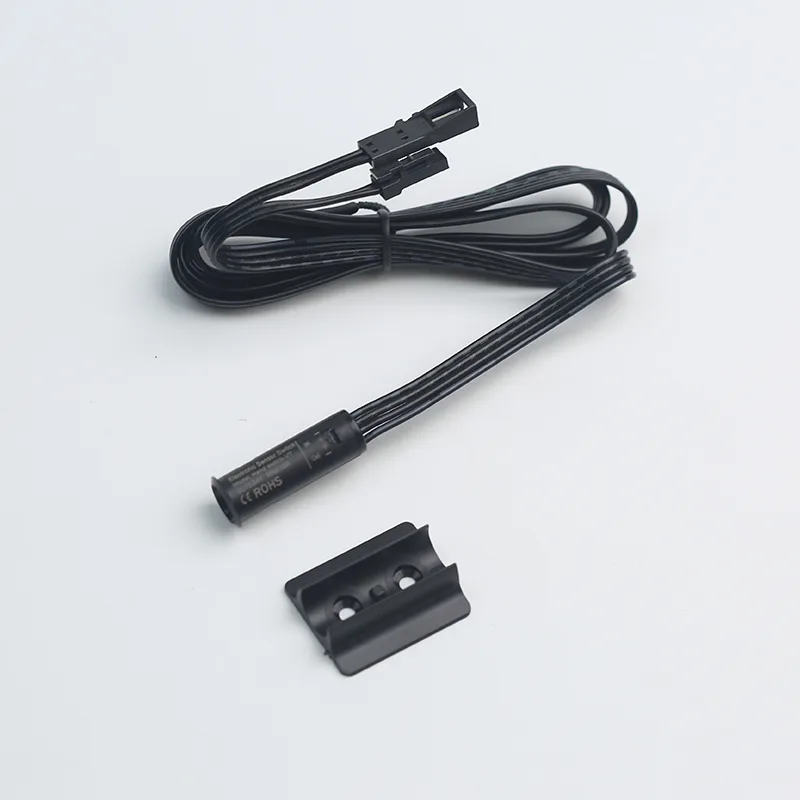
Our FVD04-A-V2 is an IR sensor switch sold in a hand-scan mode, where a wave turns the light on or off, and a door-sensor mode. It detects at 3-7 cm and is listed with a 60W load. The STD01 is a hidden proximity hand-wave dimmer that sits behind a cabinet partition and picks up a hand at 1-5 cm.
How does an IR hand-wave sensor work?
An IR sensor sends out infrared light and watches for it to reflect back; when a hand enters the detection range, the reflection changes and the switch toggles the output. The range is short on purpose, so the light responds to a deliberate wave rather than to someone walking past.
A hidden proximity sensor works through the panel instead. It senses a hand approaching the surface on the other side of the partition, which is why the STD01 can be fitted without drilling a visible hole. Because it senses through the material, panel thickness and material affect how it performs, so test it on a sample of the actual panel.
Should I choose a hand-wave, touch or door sensor switch?
Choose by how the user reaches the light. A hand-wave switch suits open shelves and wall cabinets where hands may be wet or greasy. A hidden touch switch suits a clean, unbroken panel face; the FWS-6 is mounted behind a thin panel and triggered through 1-5 mm of material. A door sensor suits cabinets where the light should follow the door.
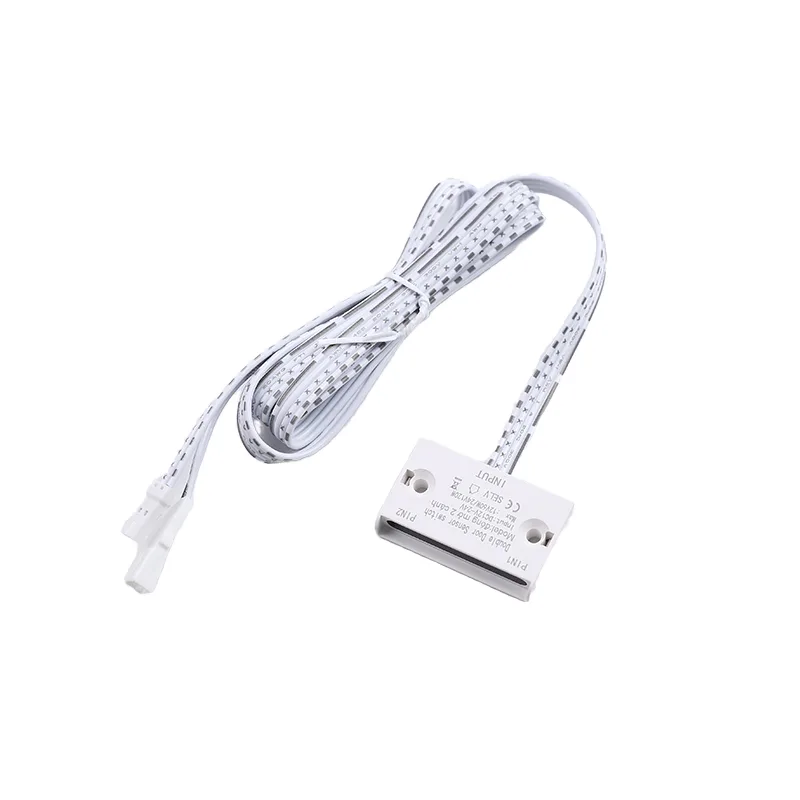
The YTSMK001 is a double-door IR sensor switch: fixed in the frame of a two-door cabinet, it detects at 5-8 cm, turns the light on when either door opens and off when both close. One unit replaces two separate door switches.
Where should a hand-wave sensor be mounted?
Mount it where a hand naturally goes, usually under the front edge of a wall cabinet or shelf, facing the space the hand will pass through. Keep the sensing face clear of nearby surfaces, cables or the strip itself inside its detection range, because a fixed object in range can stop the switch responding or make it toggle on its own.
For a hidden proximity sensor such as the STD01, fix the module flat against the back of the partition at the spot where users will reach, and mark that spot on the front if it is not obvious.
How do I wire a hand-wave sensor switch?
Wire it in the DC line: the LED driver's output goes to the switch input and the switch output goes to the strip. Match the voltage first. The STD01 and YTSMK001 are listed for 12V or 24V DC, and the FVD04-A-V2 is listed for 12V DC in its specifications.
Then check the load. Add up the strip watts on the switch and divide by the voltage. A 60W rating at 12V is 60W ÷ 12V = 5A, so the strip current on that switch must stay at or below 5A. Keep positive and negative the same way round at every connection.
These switches work on the 12V or 24V DC side only. Never connect a low-voltage sensor switch to mains; the LED driver's mains connection should be made by a qualified electrician with the circuit switched off and isolated.
What should I confirm before choosing a hand-wave sensor switch?
Confirm the voltage, load, detection range, mounting method and housing colour against the cabinet design. Voltage and load come from the LED driver and strip; detection range decides how close the hand must come; and mounting decides whether the sensor shows on the cabinet or hides behind a panel.
For the models discussed here: the FVD04-A-V2 detects at 3-7 cm and comes in black or white housings for each mode; the STD01 picks up a hand at 1-5 cm through a partition and has an IP22 ABS housing in white or black; and the YTSMK001 detects doors at 5-8 cm with an IP22 ABS housing in black or white. The FWS-6 has an IP22 ABS housing listed in white and black.
Also confirm the lead length and connector type so the switch plugs into the driver and strip you already use. For a production run, fit a sample in a real cabinet and test it with the actual panel, strip and driver before you approve the order.
Can a hand-wave sensor switch dim the light?
Some can; it depends on the model. Basic IR hand-scan switches such as the FVD04-A-V2 toggle the light on and off. The STD01 is sold as a proximity hand-wave dimmer, so it can adjust brightness as well as switch.
If dimming matters, confirm it on the model's listing before you design it in, and check that the LED strip itself is dimmable.
Why does my hand-wave switch not respond or trigger by itself?
Most problems come from range, mounting or supply voltage. If it does not respond, check the supply voltage matches the switch, the polarity is correct and the hand is passing within the listed range. If it triggers by itself, look for a reflective surface, cable or cabinet edge inside the detection range, or for steam and splashes on the sensor face.
For hidden proximity and touch types, a panel that is thicker than the listed range or contains metal will reduce or block sensing. Move the module, try a thinner section of panel or choose a model with a longer sensing range.
Figures are from our product listings or worked out from them. Check the specific model before installation.
Parts to use
 Featured▶ VideoSTD01
STD01 Hidden Proximity Hand-Wave Dimmer for Cabinets, 12/24V
 FeaturedFVD04-A-V2
FVD04-A-V2 IR Hand-Scan / Door Sensor Switch, 12/24V 60W
 FeaturedYTSMK001
YTSMK001 IR Double-Door Sensor Switch, 12/24V 60W
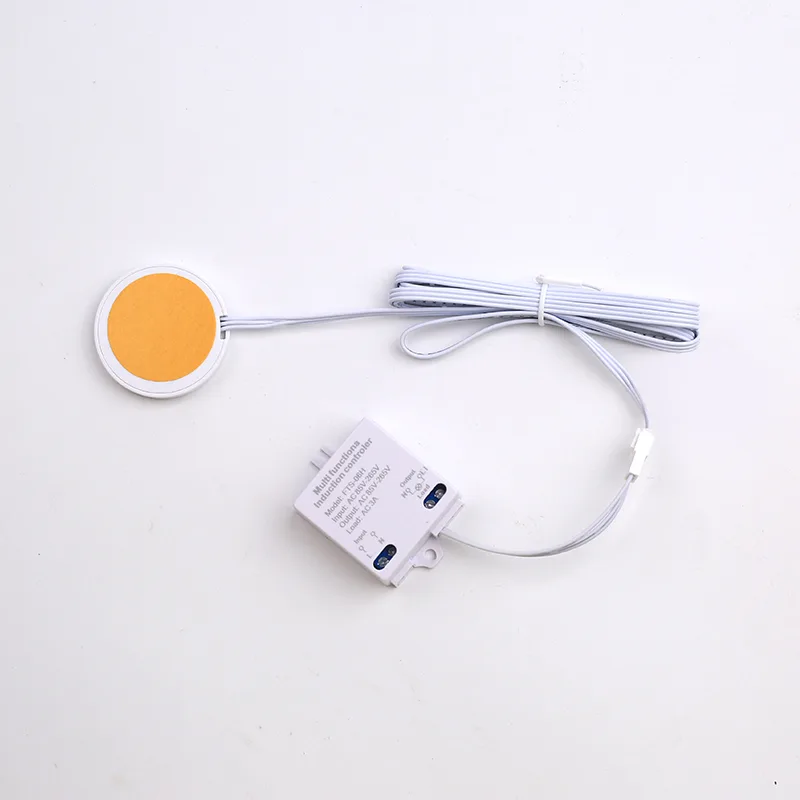 FeaturedFWS-6
FWS-6 Hidden Touch Switch for Furniture Lights, 12-24V 3A
Tell us what you are building
Send the switch type, voltage, load and quantity, or a photo of the switch you use today. We reply with model options, MOQ, price and lead time.