 Shinechip
LED Strip Lights for Stairs: Controllers, Sensors and Wiring
Published 2026-10-09 · Shinechip engineering team
LED strip lights for stairs need three parts: a low-voltage strip on each step, a stair controller that switches the steps in sequence, and a DC power supply sized for the total load. Motion sensors at the top and bottom tell the controller when someone is coming, so the staircase lighting runs step by step without a wall switch.
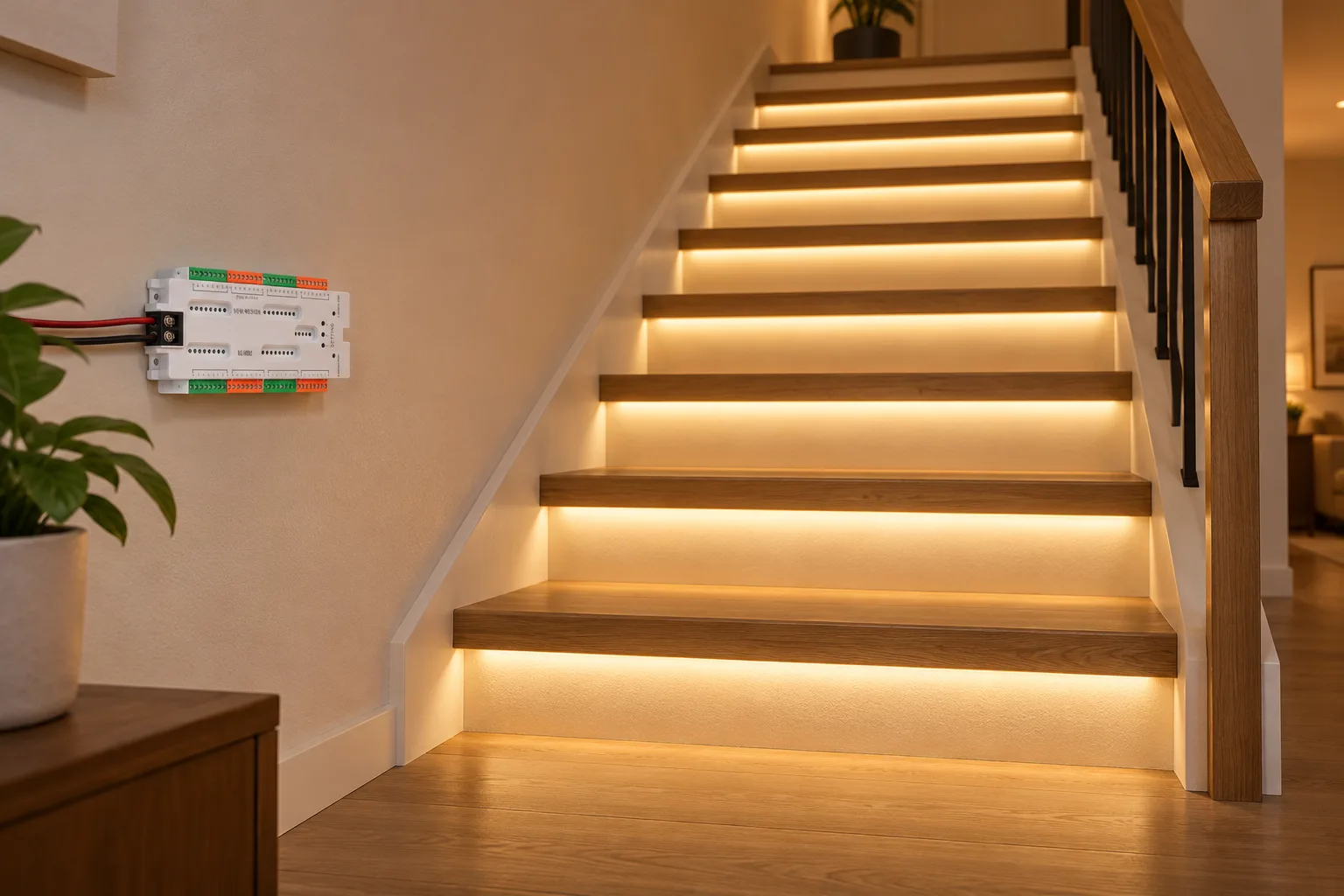
- What do I need to put LED strip on stairs?
- How does a stair lighting controller light the steps one by one?
- Which LED strip suits staircase lighting?
- How do I size the power supply for stair lights?
- How do I wire the controller, sensors and strips?
- Where should the stair motion sensors be placed?
- What should I send when asking for a stair lighting quote?
What do I need to put LED strip on stairs?
You need a strip for each step, a stair lighting controller, two motion sensors and a DC power supply. The supply converts mains to 12V or 24V DC, the controller takes that DC and feeds each step on its own channel, and the sensors trigger the sequence.
Our UL1032 32-channel stair lighting controller is built for this layout. It drives up to 32 stair treads, runs on 12V or 24V DC, and lights the treads one after another when a person is detected. The ABS controller measures 180 x 85 x 20 mm and is rated IP22, so it belongs in a dry, enclosed position such as under the stairs or inside a wall cavity with access.
Accessories such as aluminium profiles, connectors and cable are chosen to suit the strip width and the distance from each step back to the controller.
How does a stair lighting controller light the steps one by one?
The controller switches its output channels in order, starting from the end where the sensor was triggered. With the UL1032, sensor head A and sensor head B go at the top and bottom of the staircase. When one head detects a person, the controller lights the treads in sequence from that end; when the other head triggers, the sequence runs from the opposite end.
Each step is wired to its own channel, so channel order must match step order. Label each strip lead with its step number during installation; it saves time when you test the sequence.
Which LED strip suits staircase lighting?
A 12V or 24V flexible strip on a narrow PCB is the usual choice, because it matches the controller voltage and fits inside a slim profile under the tread nosing or along the riser. Our 2835 LED strip comes with 60 or 120 LEDs/m, as a 12V version on an 8 mm PCB or a 24V version on a 10 mm PCB, in 3000K, 4000K, 6000K or CCT with CRI 80.
If you want a stated wattage for load calculations, the TSP-2835-120-8 SMD2835 LED strip is listed at 12V and 9.6W/m with 120 LEDs per metre on an 8 mm copper PCB. These strips are IP20, which suits dry indoor stairs. For damp or outdoor stairs, ask for a strip with a higher IP rating rather than using an IP20 strip.
Plug-in 5V USB COB kits, such as our 5V USB COB LED strip with touch controller, are for single short runs like a shelf or a feature step. They do not run from a 12/24V stair controller, so keep them out of a multi-step sequenced design.
Pick one colour temperature for the whole staircase and order all strips from the same batch, so every step looks the same.
How do I size the power supply for stair lights?
Multiply the strip power per metre by the total strip length, then choose a supply rated above that figure. The formula is: watts per metre x metres per step x number of steps = total watts, and total watts / voltage = current.
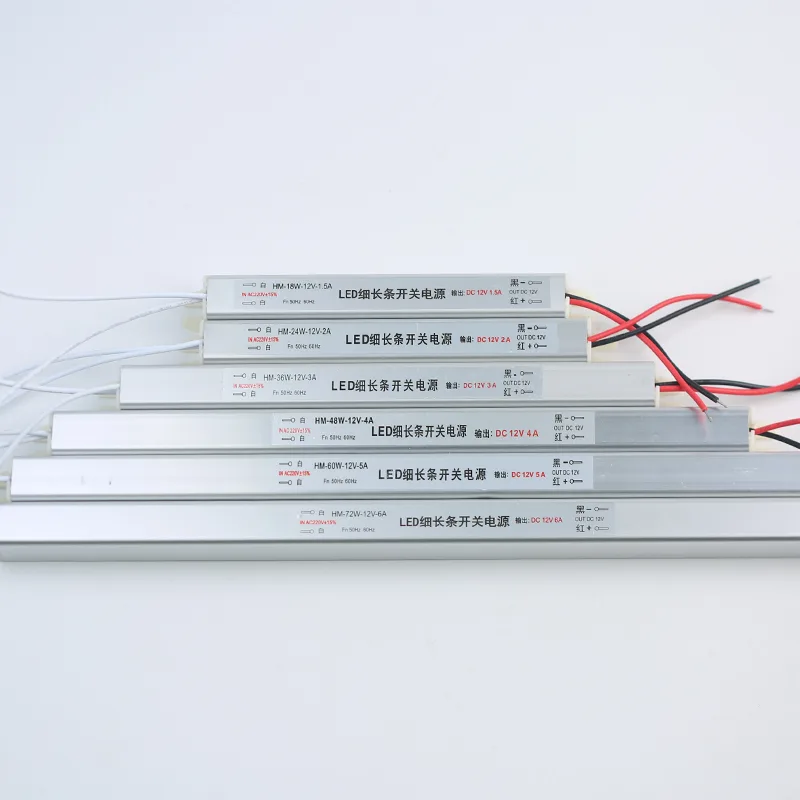
Example with the TSP-2835-120-8 strip at 9.6W/m, on 12 steps with 0.5 m of strip per step: 12 x 0.5 m = 6 m; 6 m x 9.6 W/m = 57.6 W; 57.6 W / 12 V = 4.8 A. Our HM slim 12V power supply is listed from HM-18W-12V-1.5A up to HM-72W-12V-6A, so the 72W, 6A rating covers this example with some margin. Use your own strip length and the strip's datasheet figure, not this example.
Running the same strip power at 24V halves the current: 57.6 W / 24 V = 2.4 A. Lower current means less voltage drop along long cable runs from the controller to the far steps.
Check the controller rating as well as the supply. The UL1032 listing gives 3A at 12V or 24V. Confirm with us whether that figure applies per channel or to the whole controller before you fix the strip length per step, because 4.8 A in the example above would exceed 3 A if it is a total limit. The HM series is listed for 220V AC input; for 110-120V markets, ask for a supply rated for your mains.
How do I wire the controller, sensors and strips?
Wire it in this order: mains to the power supply, supply DC output to the controller input, controller channels to the step strips, and the two sensor heads to their sensor ports.
1. Switch off the mains circuit before any work. The 220V AC side of the power supply must be connected by a qualified electrician, following local wiring rules.
2. Fit the strip in its profile on each step and run a two-core lead from each step back to the controller. Keep positive and negative the same way round at every joint.
3. Connect the steps to the controller channels in order, from the first step to the last, using the step labels you made.
4. Plug sensor head A and sensor head B into the controller and fix them at the top and bottom of the stairs.
5. Connect the supply DC output to the controller input, matching the voltage of the strips: a 12V strip needs a 12V supply and controller setting, and a 24V strip needs 24V.
6. Restore power and walk the stairs in both directions to confirm the sequence runs the right way from each end. If a step lights out of order, swap its lead to the correct channel.
Where should the stair motion sensors be placed?
Place one sensor at the top and one at the bottom, aimed at the area where a person steps onto the stairs. The UL1032 sensor heads detect at 1-3 m within a 120 degree angle, so mount each head where the approach path falls inside that range.
Avoid pointing a sensor down a corridor that people pass without using the stairs, or the lights will run when nobody climbs. Test each sensor before fixing the cover, and adjust the mounting angle if it triggers too early or too late.
What should I send when asking for a stair lighting quote?
Send the number of steps, the strip length on each step and whether you want 12V or 24V. Add the strip type (LEDs per metre and PCB width), colour temperature, the mains voltage in your market, and the cable distance from the controller to the top and bottom sensors.
Tell us whether the stairs are indoor and dry or in a damp area, and whether you need profiles. With those details we can match the strip, controller and power supply, and confirm the load per channel for your layout.
Figures are from our product listings or worked out from them. Check the specific model before installation.
Parts to use
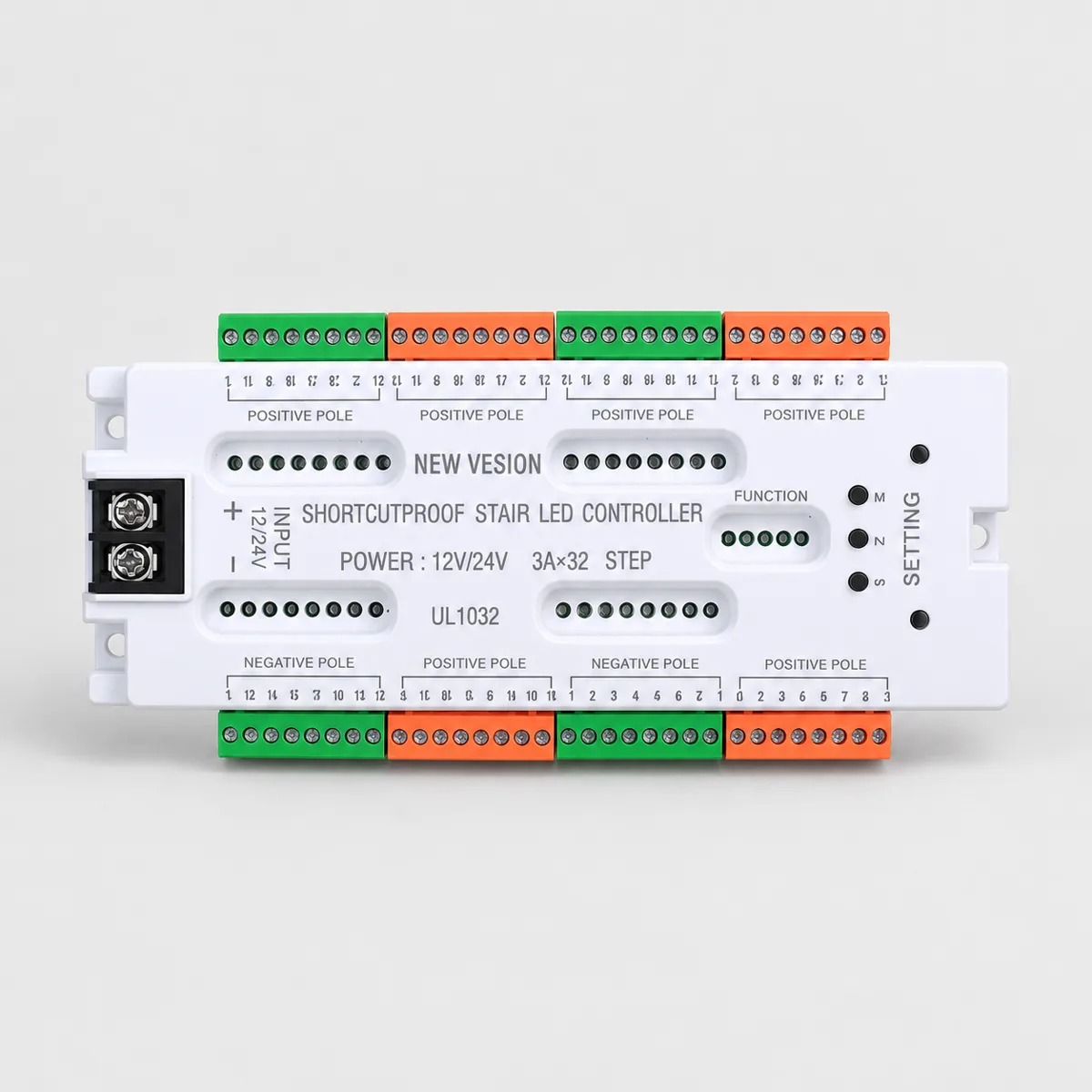 FeaturedUL1032
UL1032 32-Channel Stair Lighting Controller, 12/24V DC
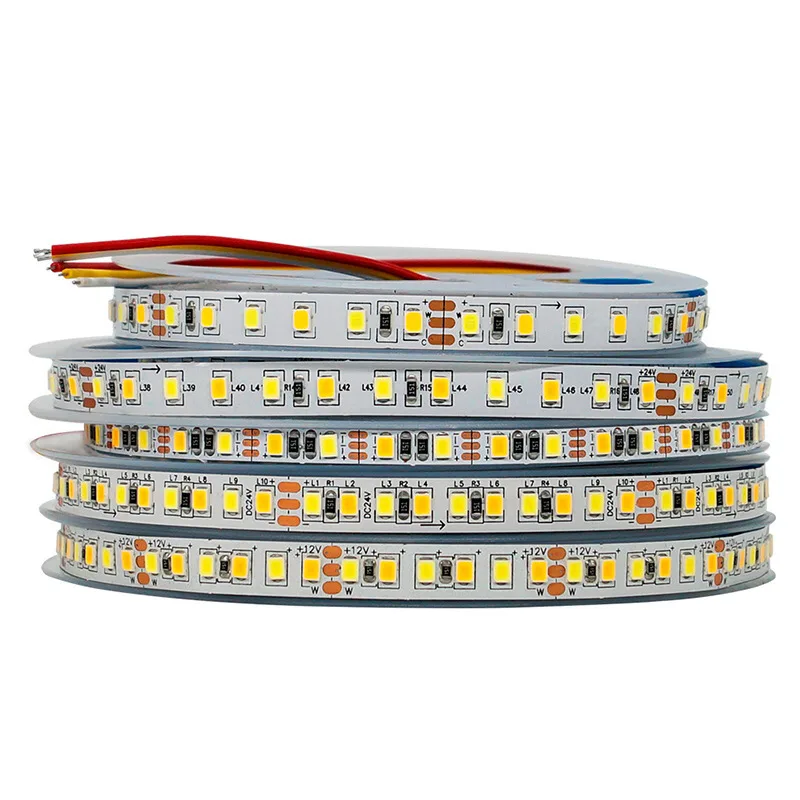 TSP-2835-120-8
TSP-2835-120-8 SMD2835 LED Strip with Remote, 12V 9.6W/m
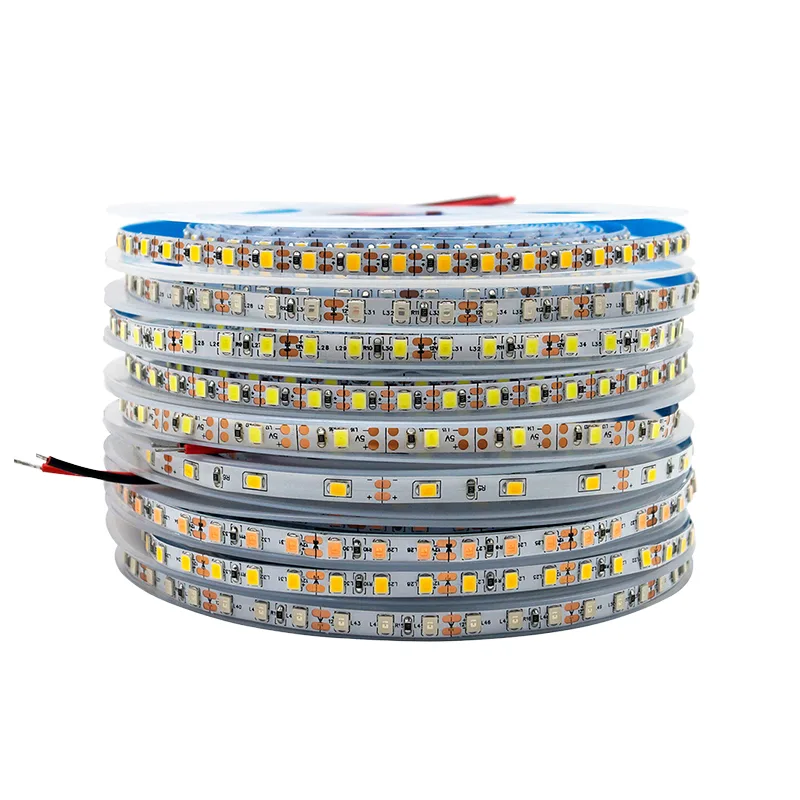 2835
28352835 LED Strip, 60 or 120 LEDs/m, 12V 8 mm or 24V 10 mm
 Featured
HM Slim 12V LED Power Supply, 18W to 72W, 220V AC Input
Tell us what you are building
Send the switch type, voltage, load and quantity, or a photo of the switch you use today. We reply with model options, MOQ, price and lead time.