 Shinechip
How to Add a Switch to Under-Cabinet LED Lighting
Published 2026-10-09 · Shinechip engineering team
Put the switch between the LED driver and the strip. Choose a hidden touch switch for a clean panel, an IR hand-wave switch where hands may be wet, or a door sensor where the light should follow the door.
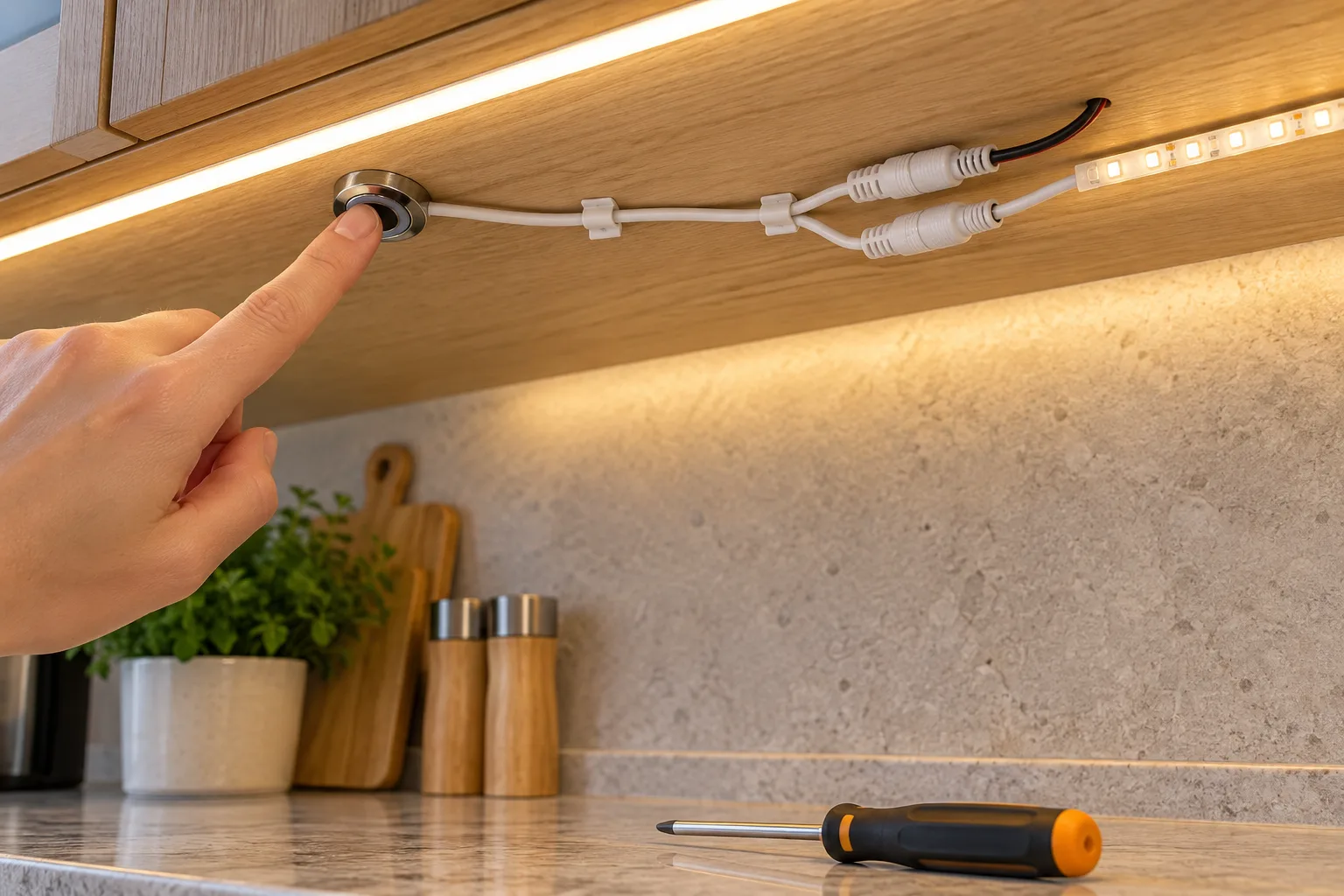
Which switch suits under-cabinet lighting?
Hidden touch switches sit behind a wooden or stone panel and sense a touch through it; models such as the FTS-04 work through panels up to 20 mm. IR hand-wave switches react to a hand passing in front of the sensor, so nobody touches the cabinet with wet or greasy hands. Door sensor switches turn the light on when a door opens, which suits wall cabinets with doors.
Where should the switch be mounted?
Mount it where a hand naturally goes: under the front edge of a wall cabinet for hand-wave sensors, behind the cabinet face for hidden touch switches, and on the frame opposite the door edge for door sensors. Keep the sensor away from the hot side of the driver and from metal panels, which block hidden touch sensing.
How is it wired?
The LED driver's DC output goes to the switch input and the switch output goes to the strip. Many cabinet switches come with DC plug, Dupont or SM connector leads; order the connector that matches your strips so the installation is plug-in.
How much load can one switch handle?
Add up the strip watts on that switch and divide by the voltage to get the current. Many cabinet switches in our range are rated 60W at 12V, which is 5A. A 12V strip run of 4.8W per metre over 5 m draws 24W, or 2A, well within that rating.
Can several cabinets share one switch?
Yes, wired in parallel from the switch output, as long as the total load stays within the switch and driver ratings. Master-control sensor switches can also link several cabinets so one sensor turns all of them on.
Figures are from our product listings or worked out from them. Check the specific model before installation.
Parts to use
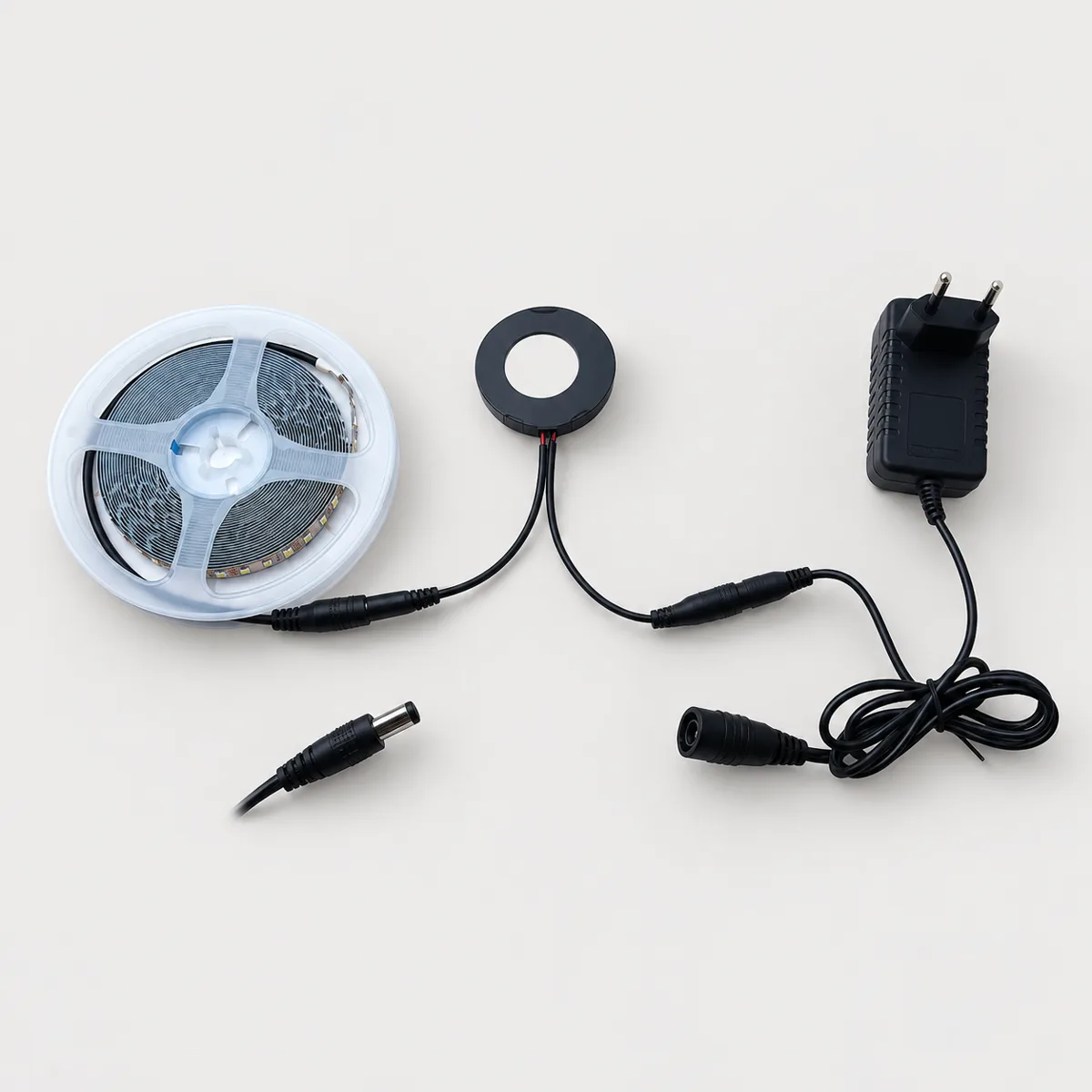 FeaturedSCQJ
SCQJ Touch Sensor Switch for Mirrors and Cabinets, 12/24V 60W
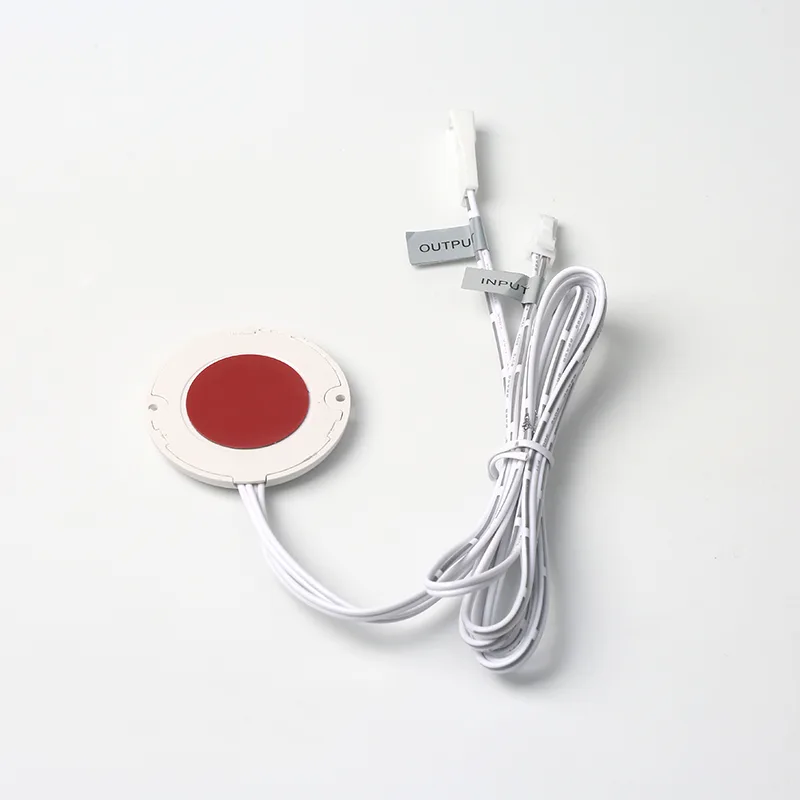 FeaturedFTS-04
FTS-04 Round Hidden Touch Dimmer for Cabinets, 12V 60W
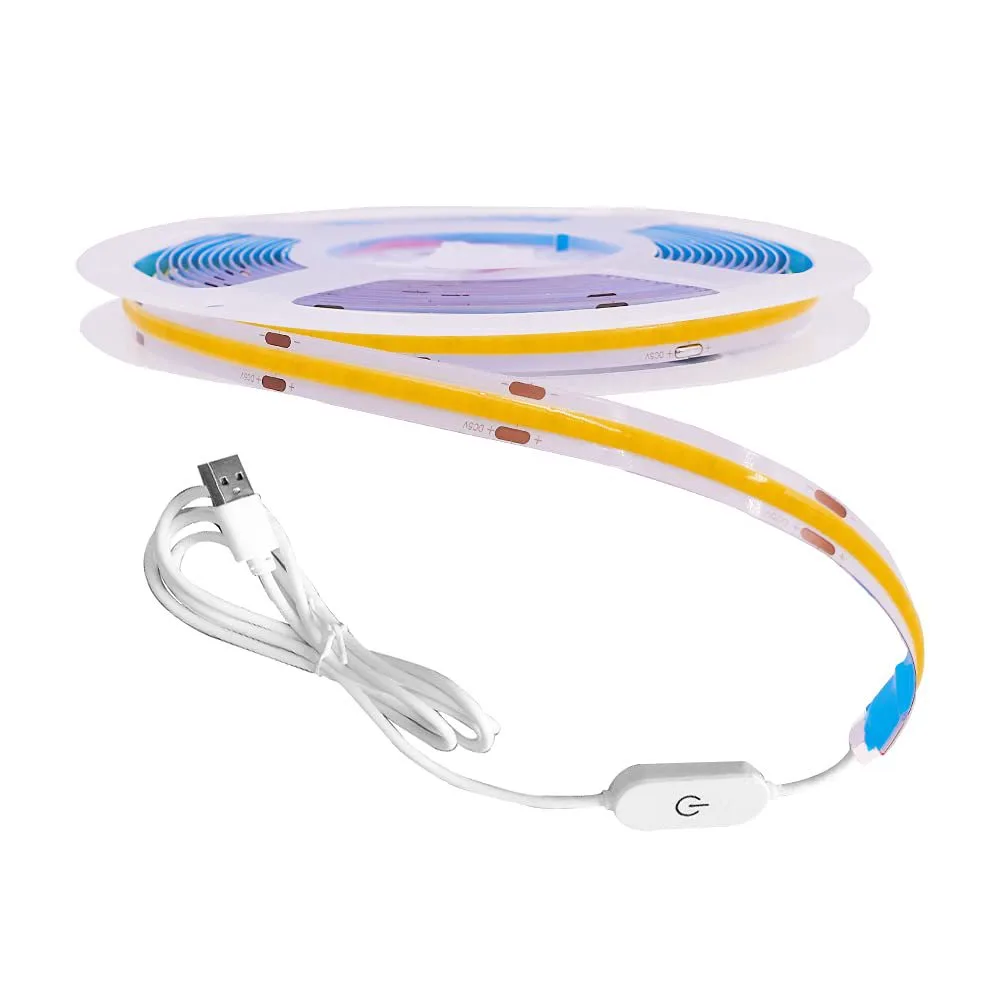 Featured▶ VideoCOB LED Strip
5V USB COB LED Strip with Touch Controller, 1 m, 8 mm
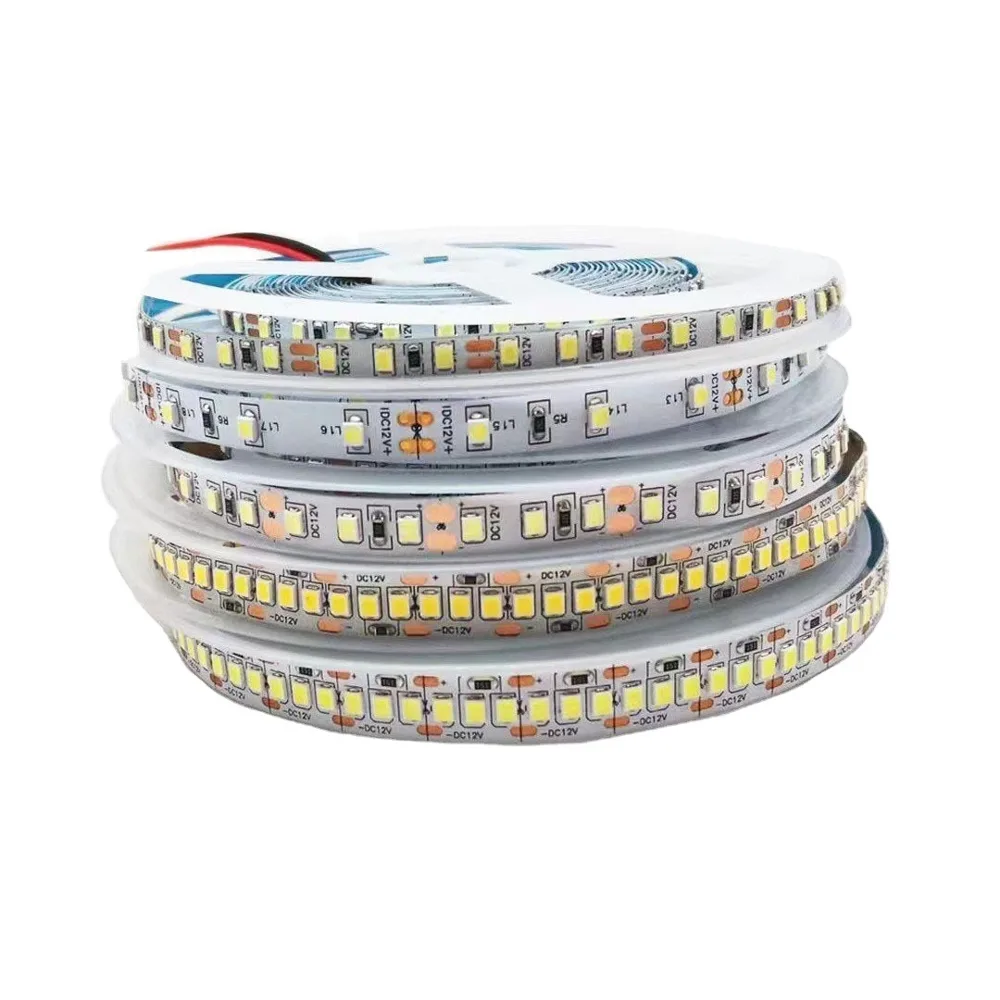 FeaturedTSP-2935-120-8
TSP-2935-120-8 12V 2835 LED Strip, 120 LEDs/m, 8 mm
Tell us what you are building
Send the switch type, voltage, load and quantity, or a photo of the switch you use today. We reply with model options, MOQ, price and lead time.